
 By Headlines Team
Social chat might be taking a different direction. A microphone icon can conceal two very different experiences. In one, a visitor speaks a question, watches it become text, and waits for a written answer. In the other, the visitor has a spoken exchange, adding details or interrupting a reply as the conversation develops. Both may be called voice chat, but the distinction affects everything from interface design to software architecture.
Voice input is primarily an alternative to typing. Speech recognition converts audio into words, which are passed to a chatbot much like a keyboard submission. The assistant can respond on screen, and a separate text-to-speech component may read that response aloud. This approach remains useful: it gives developers clear transcripts and considerable control over each processing stage.
Adding spoken output does create a voice conversation, so the terminology needs care. A system assembled from speech recognition, a language model and speech synthesis can legitimately offer voice-to-voice interaction. The more meaningful distinction is between a dictated messaging interface and a system designed to manage a live conversation. Native audio models represent another architectural choice, rather than the definition of every voice chatbot.
The challenge becomes obvious when someone hesitates. A visitor might say, “I need help with my order,” pause, then add, “but I haven’t bought anything yet.” A poorly coordinated assistant can start an order lookup before hearing the correction. A conversational system needs to interpret when to respond, when to wait and when a new utterance changes the task.
OpenAI’s GPT-Live-1 illustrates the newer approach. OpenAI describes it as a full-duplex voice model, capable of listening and speaking simultaneously. It handles the conversational audio layer while allowing deeper reasoning and actions to be delegated to a backend model or tools. The model producing the voice therefore need not be the same model determining a complex business answer.
That separation matters for website applications. A voice system might handle a visitor’s spoken question while another component searches a product catalogue or retrieves a policy. The conversation still depends on what those systems return. Natural speech cannot compensate for an outdated description, a failed lookup or instructions that send an ordinary question down the wrong route.
Website software is beginning to package these capabilities into familiar interfaces. Sitetrail’s AI Live Chat Pro, for example, provides an Instant Call option alongside text chat for WordPress and WooCommerce. This illustrates a broader design direction: visitors can choose how to communicate within a website, rather than treating voice as merely a microphone attached to a message box.
The most useful evaluation begins with conversational behaviour. Can a visitor interrupt an answer? Does the assistant stop speaking promptly? Can it preserve the topic after a correction? Does it distinguish a request for information from permission to perform an action? These questions reveal more about usability than whether the synthetic voice sounds polished in a demonstration.
Latency also has several sources. Microphone capture, network transport, speech processing, knowledge retrieval and audio playback all influence the perceived delay. A native audio model can reduce some handoffs, but a slow external service can still hold up a response. Streaming speech improves responsiveness without making every underlying operation instantaneous.
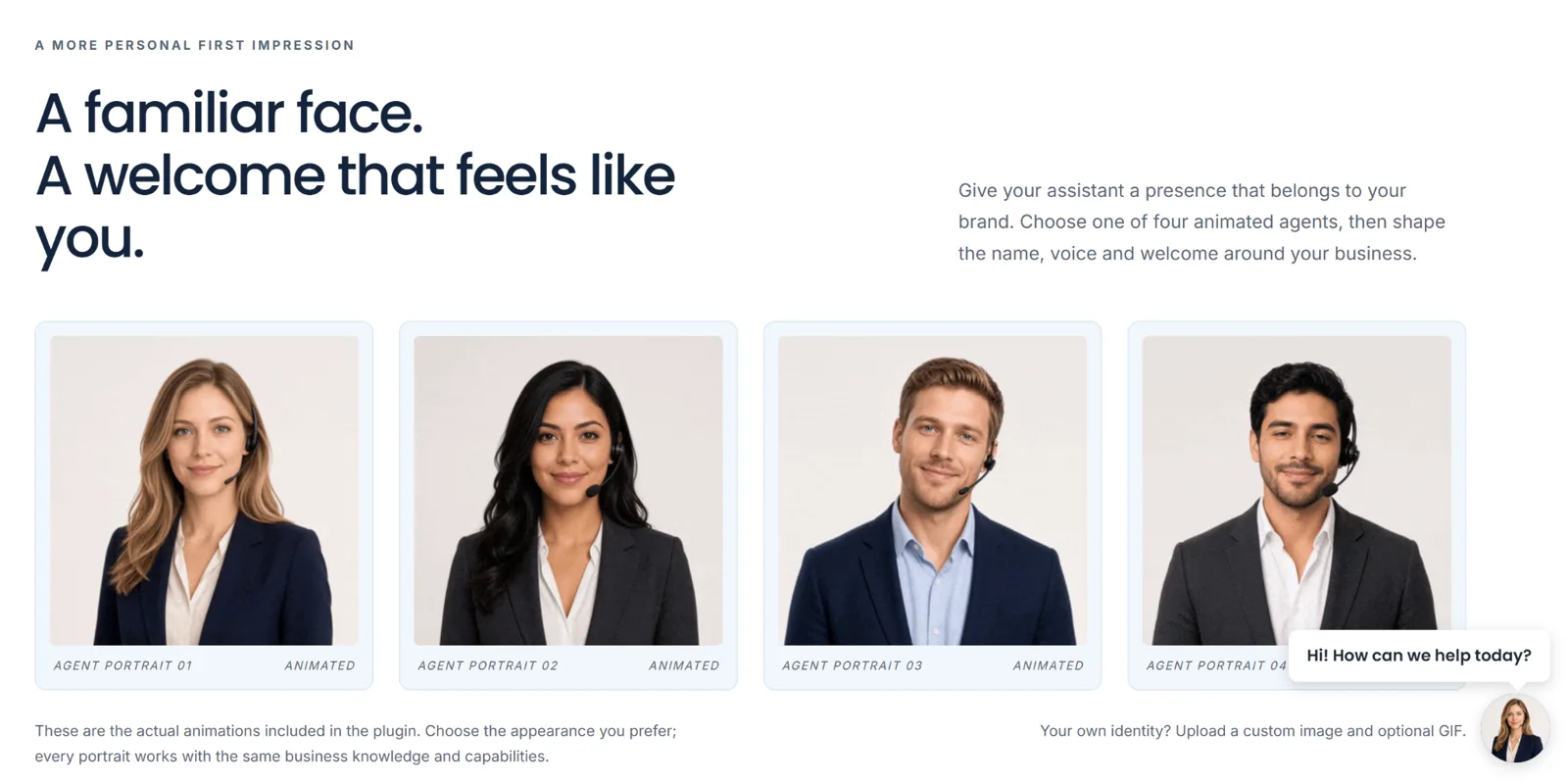
Visual presentation introduces another possible misunderstanding. An animated portrait can identify the assistant and signal that a conversation is active. It does not establish that a human is present or that live video is being transmitted. Interfaces should make the nature of the interaction understandable without requiring visitors to interpret an avatar’s appearance.
Privacy and accessibility deserve equally practical treatment. Visitors need clear microphone controls, an obvious way to end the session and understandable information about how audio and transcripts are handled. Text remains essential for people who cannot speak comfortably, are in shared spaces, have unreliable audio equipment or simply prefer reading.
The difference is not simply cosmetic; it changes how visitors ask questions and recover from misunderstandings.
For buyers, the right question is therefore what happens after the microphone is activated. Dictation may be sufficient for occasional questions. A live voice system becomes more valuable when visitors need an unfolding exchange, with interruptions, clarifications and useful follow-up. The strongest implementations combine that conversational flexibility with reliable information and a straightforward path to human assistance when necessary.
SME Paid Under
 Adam