
 By Full Editorial
Every online business makes decisions based on its traffic reports, so the setup behind those reports matters a great deal. A tidy dashboard can still hide miscounts, missing events, or visits that never should have been recorded. A trustworthy setup records what it claims to record, labels its data clearly, and gives the owner a way to check the numbers. This article explains the signs of a dependable analytics arrangement and the warning signs that suggest the reports need a closer look before anyone acts on them.
What a Trustworthy Setup Measures
A sound setup starts with a short list of measurements tied to real decisions. Page views, form submissions, and purchases are common examples, yet each one should have a clear definition written down. When a report counts engagement without saying what that means, its value becomes hard to judge. Good setups define each measure once and use the same definition across every page and report.
Ask whether the measurements answer questions the business actually faces. A store owner may care most about which product pages lead to checkout, while a service firm may focus on phone calls and contact requests. A setup that tracks everything but explains nothing often produces busy charts that never influence a decision.
Tag Placement and Clean Naming
Tracking code must load in the right places, on the right pages, and only once per page. Duplicate tags are a common cause of inflated counts, and missing tags leave gaps that look like sudden drops in interest. Check that the code appears consistently across templates, and that new pages inherit it without manual steps. Consistent naming for events and parameters matters just as much, because mixed labels turn one action into several separate entries.
Readers may also want to visit Past My Curfew. Those references encourage a simple naming pattern that anyone on the team can read. A written naming guide also makes it easier to hand the setup over to someone new without losing track of what each label means.
Data Filters and Excluded Traffic
Internal visits, test traffic, and staff activity can distort the picture if they are not filtered out. A trustworthy setup excludes known internal addresses, separates test environments from live sites, and flags automated visits that do not represent real customers. Filters should be documented, reviewed occasionally, and easy to switch off when a question requires the raw data.
You can also visit loranocarter.com for more reading. They also recommend comparing filtered and unfiltered views for a short period, so the effect of each rule is visible. That comparison builds confidence in the final report because the adjustments are no longer a mystery.
Reports That Match Real Decisions
A dependable setup presents a small set of reports that people actually use. Each report should answer a named question, such as which channels bring the most inquiries or where visitors leave a checkout flow. When reports multiply without purpose, staff stop reading them and begin guessing. Keep the number of standard views modest, and retire any report that nobody has opened in months.
For a related read on this site, see Recurring Admin Costs Nobody Lists for a Wellness. Treat the guide as a starting point rather than a rulebook. The right reports depend on the business model, the sales cycle, and the people who will act on the findings.
Consent and Privacy Settings
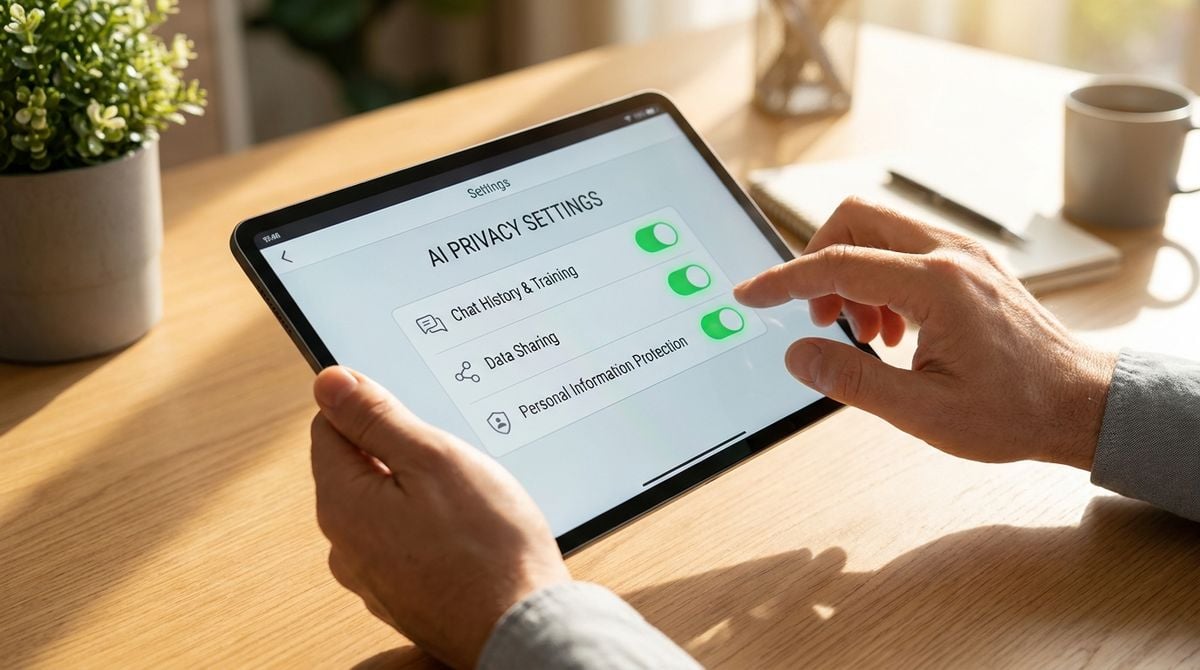
Privacy rules shape what an analytics setup can record and how long data is kept. A trustworthy arrangement explains which consent choices visitors can make, how those choices are honored, and what happens when a visitor declines. Clear documentation helps the team answer questions from customers and reviewers without scrambling. Avoid collecting more personal detail than the business truly needs, since extra data adds risk without adding insight.
Be careful with settings that quietly share information with outside parties. The owner should know which services receive data and why. A reliable setup keeps that list short, reviewed, and recorded in a place the whole team can see.
Warning Signs in Duplicate Counts
Several warning signs suggest a setup is not telling the truth. Sudden spikes that match no marketing activity, conversions that exceed the number of orders, and identical timestamps across many events all deserve investigation. Another sign is a report that shows more visits than the server logs or the sales system record for the same period. When numbers disagree, trust the comparison that uses the most direct source.
Fix the cause before drawing conclusions. A tag that fires twice, a form that reports success before the request completes, or a page that loads the same script from two places can each produce misleading results. Once the cause is corrected, annotate the report so future readers know when the change happened.
Testing a Setup Before You Rely on It
Testing turns a setup from a promise into a verified tool. Visit key pages, complete a sample form or purchase in a test mode, and confirm that each event appears with the correct label. Repeat the test after every site update, since a small redesign can break a tag without anyone noticing. A setup that passes these checks earns trust because its output can be traced back to real actions on the site.
SME Paid Under