
 By Full Editorial
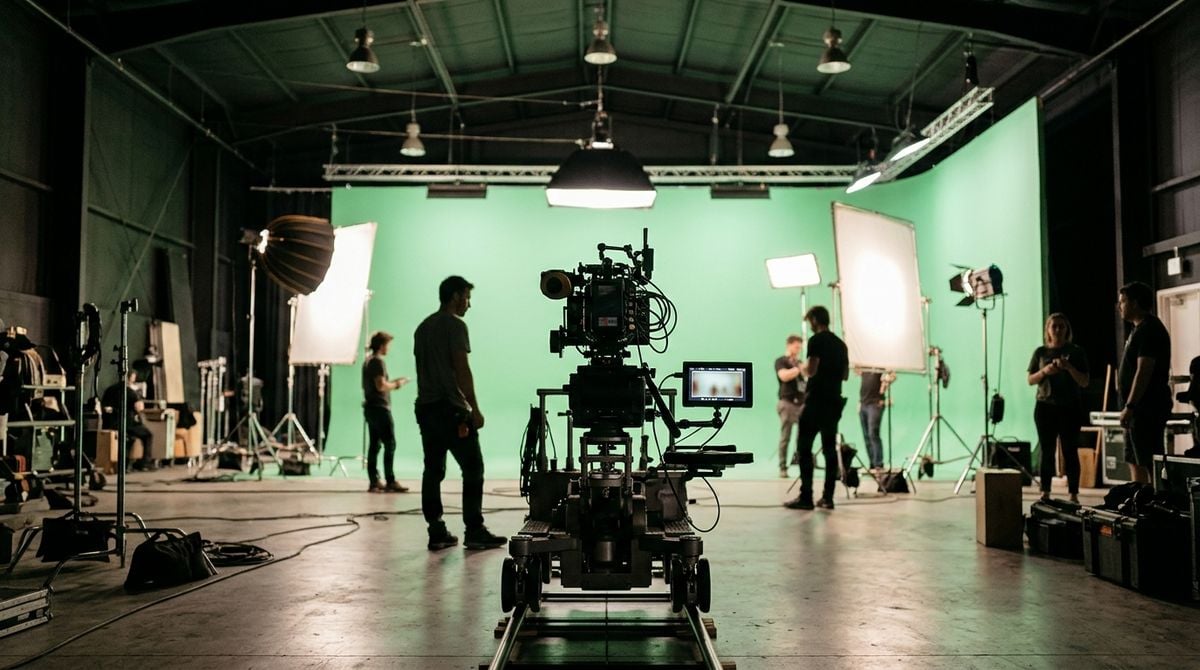
Creating videos, podcasts and written content no longer requires a dedicated studio. Many online business owners work from one corner of a bedroom, a spare desk or a cupboard converted for recording. The right equipment and layout can produce clean, professional output in a modest footprint. This article covers the core technology choices, how to manage sound and light, and how to keep files organized. The focus is on practical planning for creators who must make every corner of their room count.
Choosing Equipment That Fits the Corner
Start with a camera or microphone that suits your main format. A compact webcam may serve for meetings, while a dedicated microphone improves audio for podcasts and tutorials. Avoid buying equipment that needs a large tripod or a rigid rig if your corner cannot hold it. Compact clamp stands and folding arms usually save more space than a full studio stand.
Keep cables tidy with ties and a small cable tray along the back of the desk. A single power strip mounted under the surface reduces clutter. Readers may also want to visit k10world.com.
Check the power and the connections before each shoot, so that nothing fails halfway through a recording. A spare cable and a charged battery pack fit easily in a drawer. Small precautions like these protect the time you set aside for production.
Managing Sound in a Small Room
Small rooms create echo because hard surfaces reflect sound back to the microphone. Soft materials absorb reflections. A rug, a fabric wall hanging, a folded blanket behind the microphone or cushions on shelves can make a noticeable difference. Record a short test, listen on headphones, and adjust placement until the voice sounds clear.
Position the microphone close to your mouth, and keep fans, fridges and traffic noise away from the recording area when possible. Turn off notifications during sessions. Many creators also record a few seconds of room silence to use later for noise reduction. You can also visit pdxmagazine.com for more reading.
Test the sound at different distances from the microphone, since small rooms can change the balance of the voice quickly. Note the best position with a marker on the floor. Repeating that position each time keeps your recordings consistent over many episodes.
Lighting for Clear Video
Soft, diffused light flatters faces and reduces harsh shadows. Place a lamp or window to the side of the camera, rather than behind you. A small ring light or a panel light with adjustable brightness fits neatly on a shelf. Keep the light source at a similar height to your eyes for a natural look.
Choose a plain background that matches your brand without distracting the viewer. A simple shelf, a plant or a neutral wall works well. Test the framing before every session. For a related read on this site, see Reining In a CBD Store Marketing Budget That.
Choose a background that stays the same across videos so viewers recognize your work at a glance. A small tripod mounted on a shelf can hold a camera steady. Clean the lens regularly, because dust and fingerprints quietly soften every image.
Organizing Files and Backups
A tidy file structure saves time when deadlines approach. Create folders for raw recordings, edited versions, graphics and final exports. Name each file with a date and a short description. Keep the structure identical across projects so that you can find any asset quickly.
Back up important work to a separate drive stored away from the desk. Cloud storage adds protection if your local drive fails. Check backups regularly by opening a file from the copy. Routines for digital production often include a simple three copy approach, which suits solo creators working in a small room.
Keep a checklist for export settings so that every final file matches the platform requirements. Save a copy of the project file alongside the exported video. This habit makes it easier to revise an older piece later without starting from scratch.
Sustaining the Studio Over Time
A small studio grows by addition, not expansion. Upgrade one item at a time, and remove equipment you no longer use. Keep a short list of tasks that happen in the corner, such as recording, editing and packing orders, so you can see which tasks need better support.
Clean the desk weekly and reset the lighting before each session. A ready studio makes starting easier, which encourages consistent publishing. Creators who work well in small spaces usually treat their corner as a working tool rather than a showcase.
Set aside time each month to review which equipment is used most and which items gather dust. Sell or store anything that no longer supports your work. A focused setup is easier to maintain, and it leaves space for new ideas.
One Corner, Many Possibilities
A focused studio does not need many square metres to produce good work. Choose compact equipment, manage sound and light carefully, and keep files in order. With those foundations, one corner can support a steady stream of useful content.
SME Paid Under